

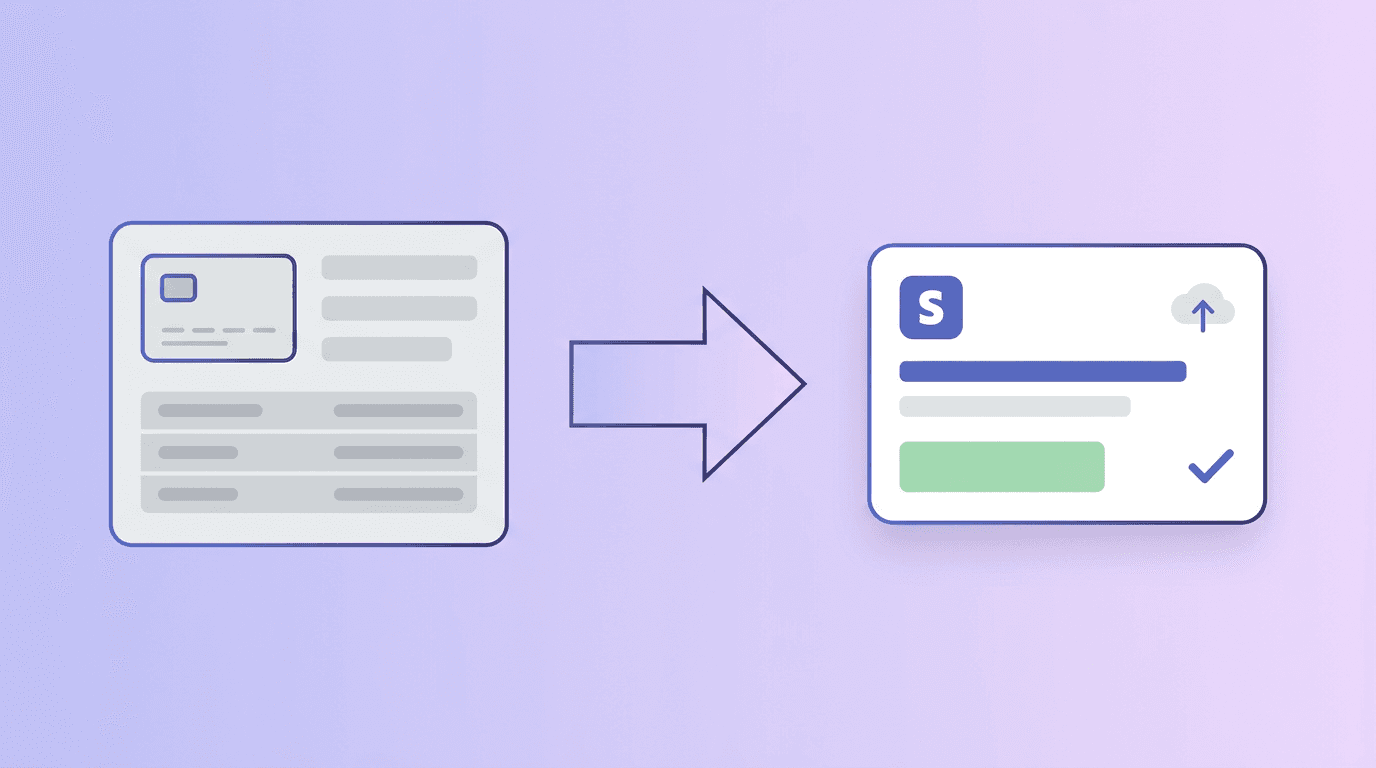
Migrating to Stripe? Here's How to Bring Your Existing Customers With You
If you're migrating to Stripe from another payment processor, you already know the uncomfortable truth: switching tools is easy to announce and hard to execute. The part that quietly stalls projects is not the new checkout — it's getting your existing customers into Stripe in a form your team can actually use for billing, support, and subscriptions.
Stripe does not give you a friendly "import my old customers" wizard in the Dashboard. For anything beyond a handful of records, you need a bulk path: usually a CSV export from your old system, cleanup, validation, then creation of Customer records in Stripe. That is exactly the moment people start searching for help — and exactly why bulk upload matters.
Why migration breaks without a bulk plan
Payment processors are great at moving money. They are rarely great at handing you a migration packet that maps 1:1 to how Stripe thinks about customers, metadata, and tax IDs. You often inherit:
- Spreadsheets or CSV exports from the old processor, a CRM, or internal tools — not always aligned with Stripe's field names.
- Partial histories: you may have emails and names but not full payment method portability (that depends on scheme rules and your old provider — not something a CSV import can magically fix).
- Time pressure: finance wants a cutover date; engineering is booked; nobody wants to paste five hundred rows by hand.
The operational fix is the same whether you're a SaaS company, an agency, or an e-commerce brand: treat customer migration as a data pipeline — file in, validate, import — instead of a manual ticket queue.
What "bring your customers" usually means in Stripe
For most teams, the first milestone is Stripe Customer objects that match your real-world buyers: correct email, display name, billing details where you have them, and metadata for things like legacy IDs or plan names. That gives Support and your internal tools a single source of truth on Stripe's side.
Cards and mandates are a separate conversation. Migrating stored payment methods often involves your old processor, Stripe's migration processes, and compliance constraints — not something you solve with a single CSV upload. Plan the customer identity import first; coordinate payment method migration with your stakeholders and documentation from both platforms.
A practical migration sequence
- Freeze scope. Decide which customers belong in Stripe for day one (active only vs full history, regions, B2B vs B2C).
- Export from the source of truth — processor export, CRM, or database — to CSV with one row per customer and a header row.
- Normalize the file: trim whitespace, fix obvious email typos, align columns, and drop duplicate rows so you don't create duplicate Stripe customers.
- Validate before you import. Run the file through a bulk validator that understands Stripe's customer fields so errors surface as a checklist, not as production failures.
- Import in test mode first, spot-check a sample of records in the Stripe Dashboard, then repeat for live mode when you're satisfied.
That sequence is boring on purpose. Boring is what gets migrations across the line without weekend fire drills.
How bulk upload fits your cutover
The Stripe Bulk Upload flow on this site is built for spreadsheet-first teams: upload a CSV, map columns to Stripe's customer fields, validate, then import using your API key after you sign in. You can validate without writing to Stripe — useful when you're still fixing rows during the migration crunch.
If you're also figuring out Stripe's lack of a native CSV import in the Dashboard, see our guide on the CSV import workaround. For a step-by-step from Excel to customers, read how to upload hundreds of customers from Excel.
Migration mistakes worth avoiding
- Skipping validation. Importing first and cleaning later creates duplicate or broken records that are harder to unwind.
- Mixing environments. Confirm whether you're pointed at test or live mode before a large run.
- Ignoring duplicates. Decide what happens when a customer already exists in Stripe (skip, update, or merge) before you load tens of thousands of rows.
- Undocumented files. Keep a copy of each CSV you imported with a date and owner — your future self (and auditors) will care.
Next step
You don't need a perfect migration narrative; you need customers in Stripe that match reality. Export your best current list, run it through validation, fix what breaks, then import. If you're mid-cutover from another processor, that bulk path is the difference between "we launched Stripe" and "we can actually bill and support people on Stripe."
Open the uploader, choose Customers, and validate your real CSV — you'll know quickly whether your file is ready for the import that unlocks the rest of your migration.
Migrating from a specific processor? Export cleanly, map legacy IDs to metadata, and validate early — support can help with column mapping questions for your CSV shape.
Get started — upload your CSV in minutes
Validate your file, map columns to Stripe fields, and import customers without writing code.
Get started →